
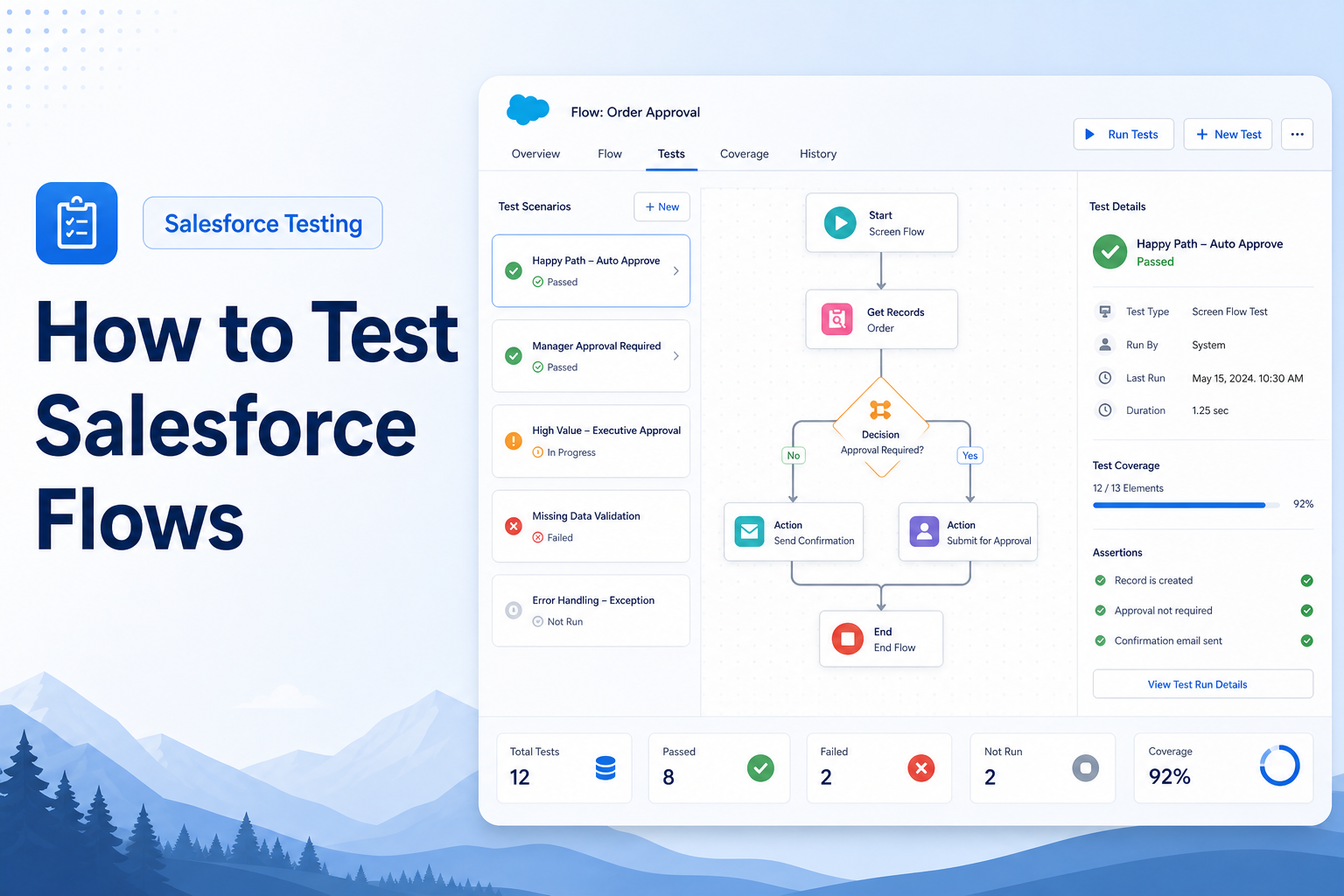
How to Test Salesforce Flows
Learn best practices for testing Salesforce Flows to ensure automation reliability and business process accuracy.
QA Engineer
Abstract
Salesforce Flows are powerful automation tools that enable organizations to streamline business processes without writing code. They can automate record creation, updates, notifications, approvals, and various business operations across the Salesforce platform. Because flows often handle critical business processes, thorough testing is essential to ensure they function correctly, maintain data integrity, and provide a seamless user experience. This article outlines a structured approach to testing Salesforce Flows and highlights key areas that should be validated before deployment.
Solution
Testing Salesforce Flows involves verifying that the automation behaves as expected under different conditions and business scenarios. A comprehensive testing strategy helps identify issues early, reduces the risk of production failures, and ensures that business requirements are met.
The testing process should focus on validating flow triggers, decision logic, record operations, notifications, fault handling, user permissions, and overall performance. Conducting these tests in a Sandbox environment allows teams to identify and resolve issues before releasing changes to production.
Step-by-Step Guide
Step 1: Review Flow Requirements
Begin by understanding the purpose of the flow and the business process it supports. Review the requirements, expected outcomes, and any conditions that influence the flow's behavior. Clearly identifying the expected functionality helps establish accurate test scenarios.
Step 2: Prepare Test Data
Create test records that represent different business scenarios. Ensure the test data covers standard use cases, boundary conditions, and potential error situations. Proper test data is essential for validating all possible flow outcomes.
Step 3: Test Using Debug Mode
Salesforce Flow Builder provides a Debug feature that allows administrators and developers to execute flows and review their behavior. Use Debug Mode to verify that the flow follows the correct path, processes data accurately, and performs the intended actions.
Step 4: Validate Decision Logic
Decision elements control how a flow progresses based on specific criteria. Test each possible outcome to ensure the flow follows the correct path and executes the appropriate actions for every condition.
Step 5: Verify Record Operations
Validate all record creation, update, and deletion activities performed by the flow. Confirm that records are modified correctly, required fields are populated, and data integrity is maintained throughout the process.
Step 6: Test Fault Handling
Evaluate how the flow responds to errors and unexpected conditions. Verify that fault paths are configured correctly, error notifications are generated when necessary, and users receive meaningful error messages.
Step 7: Validate User Permissions
Test the flow using different user profiles and permission levels. This ensures that authorized users can execute the flow successfully and that security restrictions do not interfere with expected functionality.
Step 8: Verify Notifications and Actions
If the flow sends emails, creates tasks, posts notifications, or triggers other automated actions, confirm that these actions occur as expected and reach the appropriate recipients.
Step 9: Perform Bulk Testing
Salesforce processes records in bulk, making it important to test how the flow performs with large volumes of data. Verify that the flow handles multiple records efficiently without exceeding platform limits or causing performance issues.
Step 10: Conduct End-to-End Validation
Perform complete end-to-end testing of the business process supported by the flow. This helps ensure that all components work together correctly and that the desired business outcome is achieved.
Conclusion
Testing Salesforce Flows is a critical step in delivering reliable and efficient business automation. By validating flow logic, record operations, notifications, permissions, error handling, and performance, organizations can ensure that their automation functions as intended and supports business objectives effectively. A well-tested flow not only reduces production issues but also improves user confidence and overall system stability.
Pros
- Improves automation reliability and accuracy.
- Reduces the risk of production defects.
- Ensures business requirements are met.
- Identifies data and permission issues early.
- Enhances user confidence and system stability.
Cons
- Can be time-consuming for complex flows.
- Requires comprehensive test data preparation.
- May involve testing across multiple user roles.
- Bulk and performance testing may require additional effort.
Thorough Salesforce Flow testing helps organizations deploy automation with confidence while maintaining the quality, security, and reliability of their Salesforce environment.