
JIRA Usage for QA Engineers
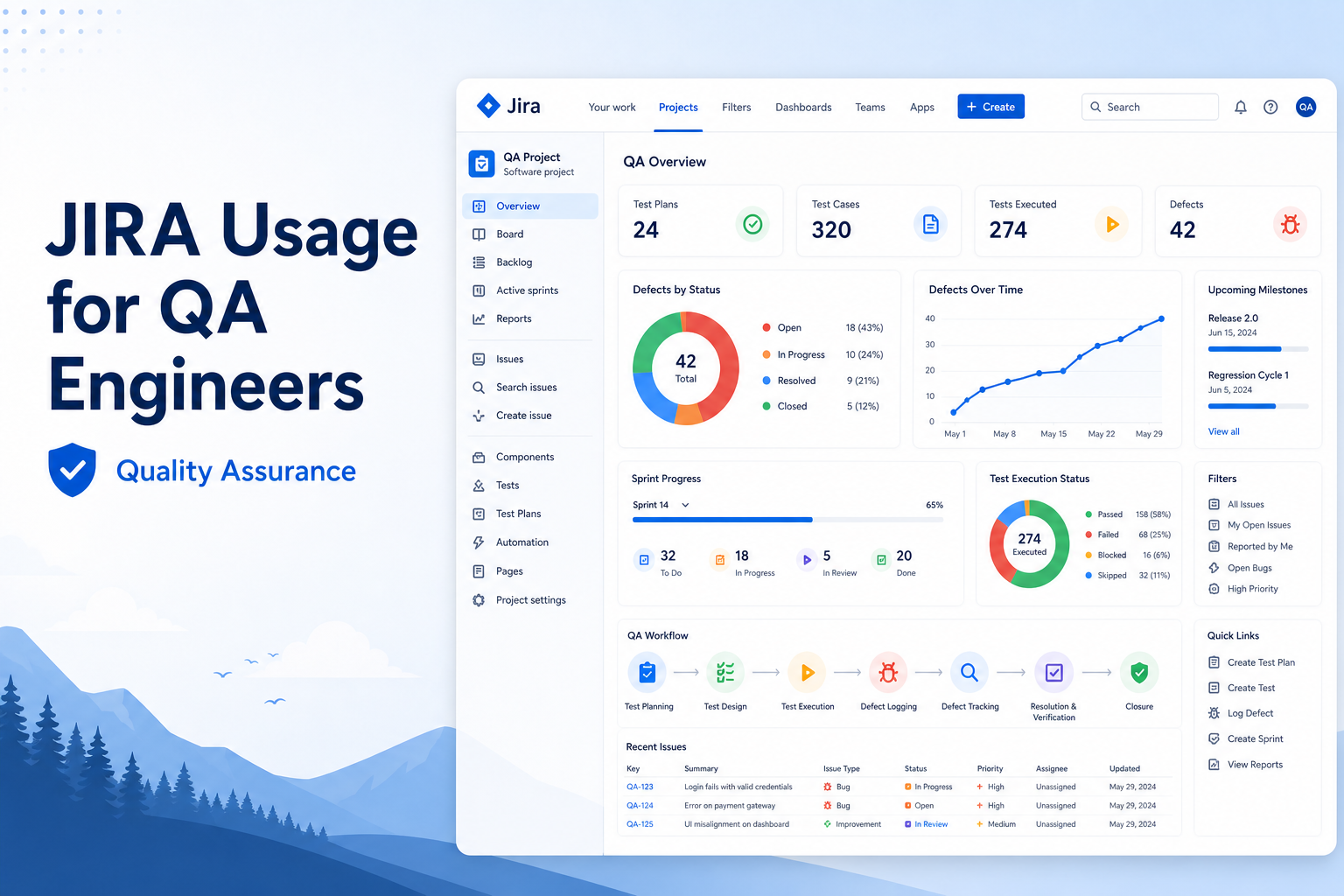
Learn how QA engineers can effectively use JIRA for test planning, defect tracking, sprint management, and project collaboration.
QA Engineer
Abstract
JIRA is one of the most widely used project management and issue-tracking tools in software development. It helps Quality Assurance (QA) engineers effectively manage test activities, track defects, and collaborate with developers and stakeholders. The objective of using JIRA in QA is to improve defect management, ensure traceability, and support efficient software delivery.
Solution
QA engineers use JIRA throughout the Software Development Life Cycle (SDLC) to create and manage test-related tasks, report defects, track progress, and communicate with development teams. JIRA provides a centralized platform for managing issues, monitoring project status, and maintaining transparency among team members.
Key Features
- Bug and defect tracking.
- Sprint and backlog management.
- Test case and task management.
- Workflow and status tracking.
- Integration with testing tools and CI/CD pipelines.
- Dashboard and reporting capabilities.
- Collaboration between QA, developers, and business teams.
Step-by-Step Guide
Step 1: Access the JIRA Project
- Log in to JIRA.
- Select the assigned project.
- Review the sprint backlog and assigned tasks.
Step 2: Analyze User Stories
- Open the user story or requirement.
- Understand the acceptance criteria.
- Prepare test scenarios and test cases.
Step 3: Execute Test Cases
- Perform functional testing.
- Verify expected and actual results.
- Identify any issues or defects.
Step 4: Create a Defect in JIRA
- Click Create Issue.
- Select Bug as the issue type.
- Enter defect details:
- Summary
- Description
- Steps to Reproduce
- Expected Result
- Actual Result
- Priority
- Environment
- Attach screenshots or logs if required.
- Assign the issue to the appropriate developer.
Step 5: Track Defect Status
Typical defect workflow includes:
Open → To Do → In Progress → Code Review → Ready for QA → Retest → Done → Closed
QA engineers continuously monitor the defect status and verify fixes after development completion.
Step 6: Perform Retesting and Regression Testing
- Retest resolved defects.
- Confirm that the issue has been fixed.
- Execute regression test cases to ensure no existing functionality is impacted.
- Close the defect if validation is successful.
Common Issue Types Used by QA
| Issue Type | Description |
|---|---|
| Story | Represents a business requirement or feature. |
| Task | Used for general activities and testing tasks. |
| Bug | Created when a defect or issue is identified. |
| Sub-task | Represents smaller activities under a parent issue. |
| Epic | Represents a large feature containing multiple stories. |
JIRA Workflow for QA
Requirement
   ↓
Test Execution
   ↓
Bug Identification
   ↓
Create Defect
   ↓
Developer Fix
   ↓
Ready for QA
   ↓
Retesting
   ↓
Regression Testing
   ↓
Closed
Conclusion
JIRA plays a vital role in software quality assurance by providing an efficient mechanism for defect tracking, task management, and team collaboration. Effective use of JIRA helps QA engineers maintain product quality, improve communication, and ensure timely delivery of software projects.
Advantages
- Efficient defect tracking and management.
- Improves collaboration between QA and developers.
- Provides complete issue traceability.
- Supports Agile and Scrum methodologies.
- Offers dashboards and reporting features.
- Integrates with various testing and automation tools.
Disadvantages
- Requires proper workflow configuration.
- Can become complex for large projects.
- Initial learning curve for new users.
- Poorly written defects may lead to communication gaps.
Technologies and Tools Used
- JIRA
- Agile Methodology
- Scrum Framework
- Test Case Documents
- Bug Tracking Process
- Regression Testing
- Functional Testing
Summary
JIRA is an essential tool for QA engineers to manage testing activities and defects effectively. By utilizing JIRA for issue tracking, collaboration, and reporting, QA teams can enhance software quality and contribute to successful project delivery. Proper usage of JIRA ensures better communication, faster defect resolution, and improved development efficiency.